
This document is a user guide for USBBT100, which introduces the usage of the product and precautions
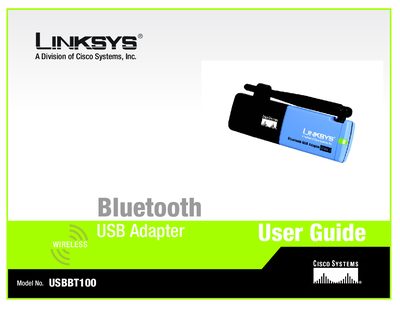
This manual guides you through installing the Bluetooth software from the supplied CD, connecting the USBBT100 Bluetooth USB Adapter to a PC, and configuring Bluetooth devices. It includes detailed step‑by‑step instructions, illustrated figures, and notes on symbols used for important information.
Additional sections cover troubleshooting common problems, an overview of Bluetooth applications and services, technical specifications, warranty and regulatory information, and contact details for Linksys support.
Insert the adapter’s Setup Wizard CD into your PC’s CD‑ROM, run D:\setup.exe, follow the InstallShield wizard, accept the license, choose the destination folder, and click Install.
A checkmark marks a note of interest, an exclamation point marks a caution or warning, and a question mark marks a reminder.
No – you must install the Bluetooth software first; only after installation should you plug the adapter into a USB port and run the setup wizard.