
This document is the user guide of Linksys WAG325N wireless router
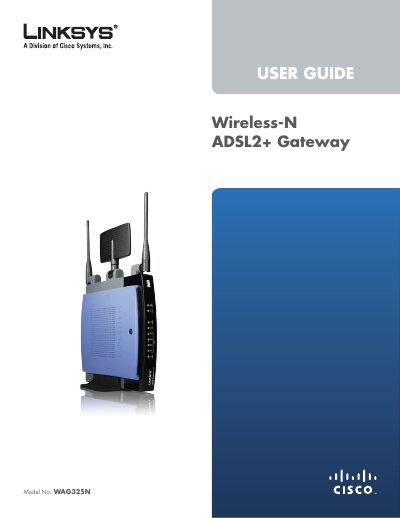
This guide introduces the Linksys WAG325N Wireless‑N ADSL2+ Gateway, a device that provides broadband Internet access via DSL and Wi‑Fi, with four Ethernet ports, LED indicators, and built‑in security features. It explains product overview, safety notices, and regulatory compliance.
The manual covers a wireless security checklist, step‑by‑step installation, advanced configuration options (such as VPN passthrough, QoS, and VLAN), and includes specifications, warranty, and regulatory information. It also provides troubleshooting tips and how to access the web‑based utility for management.
| Model Number | WAG325N |
|---|---|
| Standards | 802.11n, 802.11g, 802.11b, 802.3u, g.992.1, g.992.2, g.992.3, g.992.5 |
| Ports | Power, DSL, Ethernet (1‑4) |
| Antennas | 3 non‑detachable |
| Transmit Power | 17 dBm |
| Antenna Gain | 2 dBi |
| Dimensions (mm) | 188 x 40 x 176 |
| Weight | 527 g |
| Power Supply | 12 VDC, 1 A |
| Certifications | CE, FCC, IC‑03 |
Press and hold the Reset button for approximately five seconds, or use the Administration > Factory Defaults screen in the web utility.