
This guide introduces the features and characteristics of the SRW248G4P 48-port 10/100 + 4-port Gigabit Ethernet switch.
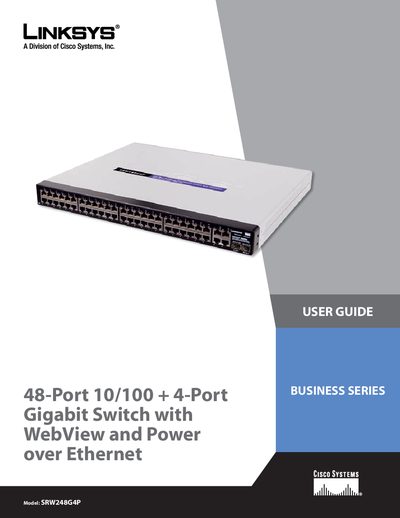
This guide explains how to install, connect, and configure the Linksys SRW248G4P 48‑port 10/100 + 4‑port Gigabit switch with WebView and Power over Ethernet. It covers hardware installation, console and web‑based configuration, VLAN and QoS setup, security features, and troubleshooting.
The manual includes detailed chapters on product overview, port specifications, PoE capabilities, console interface configuration, VLAN management, security settings, QoS, spanning‑tree, multicast, SNMP, and appendices with specifications, warranty, regulatory information, and contact details.
| Number of 10/100 ports | 48 |
|---|---|
| Number of Gigabit ports | 4 |
| PoE power per port | 15.4 W |
| Maximum VLANs supported | 256 |
| Maximum trunk groups | 8 |
Each PoE port can deliver up to 15.4 W at -48 VDC.
The switch can manage up to 256 VLANs.
The device includes four Gigabit RJ‑45 ports (shared with two mini‑GBIC ports).