
This document is the user guide for the Linksys Wireless-G Bridge for Phone Adapters, describing the features and characteristics of the product.
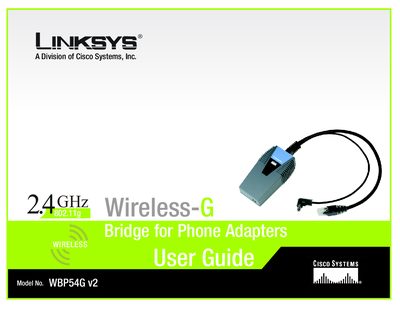
The Linksys WBP54G v2 Wireless‑G Bridge for Phone Adapters lets you connect a phone adapter or IP phone to a wireless network without an Ethernet cable. It shares power with the phone adapter, so only one power supply is required, and includes a Setup Wizard to configure wireless settings and security.
The manual covers planning your network, hardware overview, step‑by‑step setup, troubleshooting, security options, and technical specifications, plus warranty and regulatory information.
It converts a phone adapter or IP phone into a wireless device so it can connect to your home network without an Ethernet cable.
The Bridge shares electrical power with the phone adapter or IP phone, so only one power adapter is needed.