
Linksys WRT54GC Router User Manual

This is a user guide for Cisco Compact Wireless-G Broadband Router
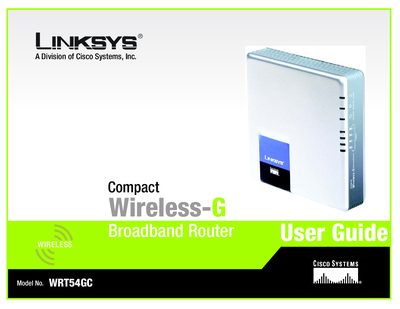

Linksys WRT54GC Router User Manual - cover page
Brand
Linksys
Category
Router
Document type
User Manual
Language
English
Pages
83
File format
PDF
File size
1.8 MB
Published
20 March, 2012
Updated
01 October, 2023
Model
WRT54GC
MD5 checksum
AE9591F51E644F32078F195ED80564F8

About this manual

This user guide walks you through planning a wireless network, identifying the router’s physical features, and connecting the device to a broadband modem or another router. It also details how to use the web‑based utility for basic setup, wireless security, advanced routing, and firmware upgrades.

Appendices provide troubleshooting tips, wireless security guidance, firmware upgrade instructions, Windows help, MAC address lookup, a glossary, specifications, warranty, regulatory information, and contact details.

What's inside

  • Introduction
  • Planning Your Wireless Network
  • Getting to Know the Compact Wireless‑G Broadband Router
  • Connecting the Compact Wireless‑G Broadband Router
  • Configuring the Compact Wireless‑G Broadband Router
  • Appendix A: Troubleshooting
  • Appendix B: Wireless Security
  • Appendix C: Upgrading Firmware
  • Appendix D: Windows Help
  • Appendix E: Finding MAC and IP Addresses

Specifications

Maximum Wireless‑G Speed54 Mbps
Maximum Wireless‑B Speed11 Mbps
Number of Ethernet Ports4

Frequently asked questions

What is the maximum wireless speed for Wireless‑G on the WRT54GC?

The router supports up to 54 Mbps when using the Wireless‑G standard.

How many Ethernet ports does the WRT54GC have?

The router provides four switched Ethernet ports for wired connections.

Where can I find the MAC address of my computer for use with the router?

See Appendix E: Finding the MAC Address and IP Address for your Ethernet Adapter.

Download PDF (1.8 MB)

More Linksys Manuals


View all Linksys manuals →