
This document provides installation instructions and a user guide for the Instant Wireless® Series Wireless Network Access Point. It includes copyright and trademark information, as well as detailed information about the limited warranty.
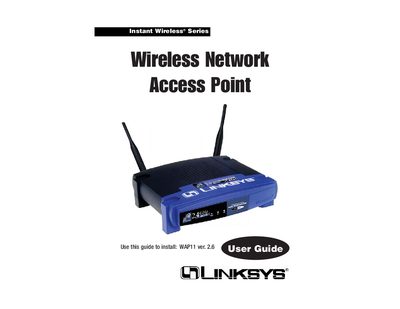
This guide covers everything needed to set up the Linksys WAP11 Instant Wireless Network Access Point, including hardware installation, wiring, power connection, and the web‑based configuration utility. It explains the device’s features such as dual‑antenna diversity, MAC filtering, WEP encryption, and the ability to act as a repeater or bridge.
The manual walks you through planning your wireless network, connecting the access point to a LAN, using the Setup Wizard, and adjusting settings via the web interface. Appendices provide TCP/IP configuration steps, a glossary, detailed specifications, warranty information, and contact details for technical support.
| Standards | 802.11b, 802.3 |
|---|---|
| Port | 10BaseT RJ‑45 |
| Cabling Type | RJ‑45 |
| LEDs | Power, Activity, Link |
| Security Features | MAC filtering, WEP |
| WEP Key Bits | 64/128‑bit |
| Dimensions | 7.32" x 6.06" x 1.89" (186 mm × 154 mm × 48 mm) |
| Power | DC 5 V, 2.5 A |
| Certifications | FCC Class B, CE Mark |
| Operating Temperature | 0 °C to 40 °C |
| Storage Temperature | -20 °C to 70 °C |
| Operating Humidity | 10 % to 80 % non‑condensing |
| Storage Humidity | 5 % to 90 % non‑condensing |
Press the Reset button for approximately ten seconds, or use the Password tab in the web‑based utility.
The default password is "admin"; you should change it later through the web‑based utility.
The device requires a DC 5 V, 2.5 A power supply.