
This User Guide has been designed to make understanding networking with the Wireless-G PCI Adapter easier than ever.
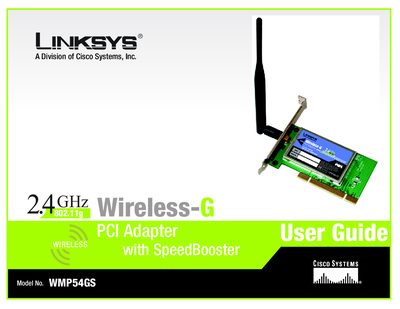
This user guide provides step‑by‑step instructions for setting up the Linksys WMP54GS Wireless‑G PCI Adapter, covering network planning, software and driver installation, hardware connection, and use of the Wireless Network Monitor. It also includes safety notes, glossary terms, and regulatory information.
Key sections include planning your wireless network, installing software for Windows 2000/98/ME and Windows XP, connecting the PCI adapter, using the network monitor, troubleshooting, security considerations, technical specifications, warranty details, and contact information for Linksys support.
| Maximum data rate | 54 Mbps |
|---|---|
| Operating frequency | 2.4 GHz |
The adapter supports Windows 2000, Windows 98, Windows ME, and Windows XP.
Use Chapter 5 of the guide, which walks you through the driver installation process for Windows XP.