
Linksys WAG354G Wireless-G ADSL Home Gateway User Manual

This guide is designed to help you understand the Wireless-G ADSL Home Gateway and to make networking with the Gateway easier than ever
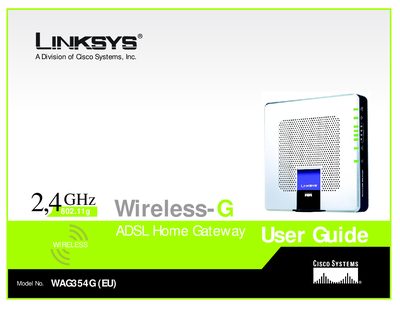

Linksys WAG354G Wireless-G ADSL Home Gateway User Manual - cover page
Brand
Linksys
Category
Router
Document type
User Manual
Language
English
Pages
366
File format
PDF
File size
5.4 MB
Published
20 March, 2012
Updated
30 September, 2023
MD5 checksum
99DAA5E5C8E3A2C0E22D8B88AB3F78C1

About this manual

This guide walks you through planning your network, connecting the WAG354G gateway, and using the web‑based utility to configure wireless, security, and advanced settings. It also includes appendices for troubleshooting, firmware upgrades, MAC address lookup, and regulatory information.

Detailed chapters cover the physical features of the gateway, step‑by‑step wiring and wireless connections, and how to secure your network with WPA, WEP, and firewall options. The manual provides quick reference tables, figures, and a glossary of networking terms.

What's inside

  • Introduction
  • Planning Your Network
  • Getting to Know the Wireless‑G ADSL Home Gateway
  • Connecting the Wireless‑G ADSL Home Gateway
  • Configuring the Wireless‑G ADSL Home Gateway
  • Troubleshooting
  • Wireless Security
  • Finding MAC Address and IP Address
  • Upgrading Firmware
  • Specifications

Frequently asked questions

How can I upgrade the firmware on the WAG354G?

Use the instructions in Appendix D, which covers upgrading the firmware.

Where do I find the MAC address for my computer to use MAC filtering?

See Appendix C for steps to locate the MAC address and IP address of your Ethernet adapter.

What wireless security protocol uses TKIP encryption?

WPA (Wi‑Fi Protected Access) uses TKIP encryption.

Download PDF (5.4 MB)

More Linksys Manuals


View all Linksys manuals →