
This document is the user guide for the Wireless-G ADSL Gateway with SpeedBooster
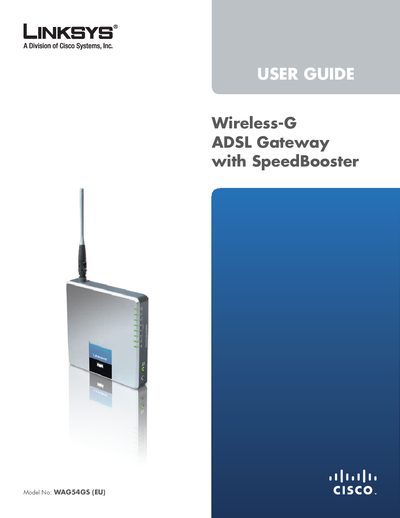
The Linksys WAG54GS is a Wireless‑G ADSL gateway with SpeedBooster that provides wired and wireless Internet access, four Ethernet ports, and built‑in security features such as WPA2, SPI firewall and NAT. It is designed for home and small‑office environments and includes LEDs for power, wireless, DSL, and Ethernet status.
This manual covers product overview, wireless security recommendations, step‑by‑step installation, advanced configuration via the web‑based utility, and appendices with troubleshooting, specifications, warranty, and regulatory information.
Press and hold the Reset button for approximately five seconds, or use the Administration > Factory Defaults screen in the web utility.
Enter 192.168.1.1 in a web browser to reach the gateway’s configuration pages.