
The document introduces a product called Wireless-G, which is a wireless network device that supports 802.11b and 802.11g standards. It has features like high-speed transmission and strong stability.
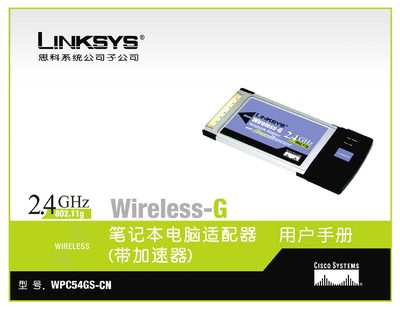
This manual guides users through installing the Linksys WPC54GS-CN wireless‑G USB adapter, configuring network settings, and understanding the LED status indicators. It covers security options such as WEP, WPA‑PSK, TKIP, and various EAP methods.
Additional sections describe troubleshooting steps, firmware update procedures, and contact information for technical support in China. This manual is written in Chinese.
Select the desired security mode (WEP, WPA‑PSK, TKIP, etc.) in the configuration menu.
The LED indicates power status and wireless connection activity.
Contact Linksys China support at 800‑8105704 or email [email protected].