
This document provides instructions and specifications for using the Wireless-N Notebook Adapter, as well as definitions for technical terms and important reminders.
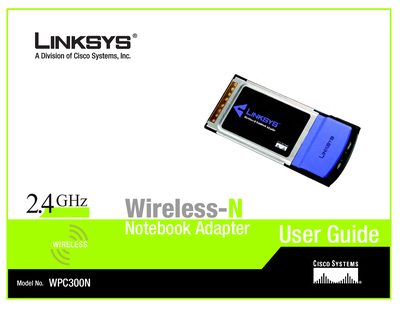
This guide walks you through installing and configuring the Linksys WPC300N Wireless‑N Notebook Adapter, including network planning, hardware features, and the Setup Wizard for easy connection. It also explains how to use the Wireless Network Monitor and provides security recommendations.
Additional sections cover troubleshooting, Windows XP Wireless Zero Configuration, a glossary of networking terms, technical specifications, warranty details, regulatory information, and contact details for Linksys support.
| Maximum data rate (802.11g) | 54 Mbps |
|---|---|
| Maximum data rate (802.11b) | 11 Mbps |
Use the included Setup Wizard, which guides you step‑by‑step through configuring the adapter to your wireless network.
The technical specifications are listed in Appendix F of the guide.
You can call 800‑546‑5797, email [email protected], or visit www.linksys.com for online assistance.
The adapter supports WEP, PSK, PSK2, and RADIUS‑based security methods such as EAP‑TLS and PEAP.