
This document is the User Guide for BUSINESS SERIES Model: WAP4410N Wireless-N Access Point with Power Over Ethernet. It provides instructions on how to use the wireless access point. The document covers topics such as getting started, planning the wireless network, understanding the exterior of the access point, connecting the access point, setting up the access point, and configuring the access point.
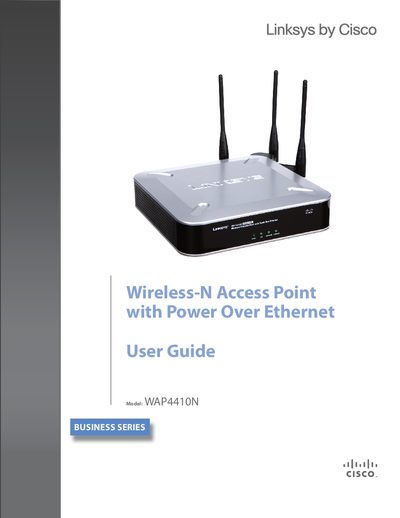
This guide walks you through installing, connecting, and configuring the Linksys WAP4410N Wireless‑N Access Point. It covers basic setup, wireless security, VLAN/QoS, advanced settings, firmware upgrades, and troubleshooting.
The manual also includes detailed specifications such as operating modes, power requirements, antenna configuration, and regulatory information, helping administrators optimize performance and ensure compliance.
| Operating Modes | Access Point, Bridge, Repeater, Client |
|---|---|
| Load Balancing | Bandwidth control with user defined CPU usage ratio |
| Auto‑channel | Selects least congested channel on boot |
| External Antennas | 3 Omni‑Directional |
| Power | 12V 1A DC input, PoE, max 10.1 W |
| Dimensions | 6.69 × 6.69 × 1.60 inches |
| Transmit Power (FCC) | 11b 16‑20.5 dBm, 11g 13‑17.5 dBm, 11n up to 21.5 dBm |
Open the Find toolbar (or choose Edit > Find), type your search terms, and press Enter to locate each occurrence.
Select the Administration – Factory Default tab in the utility to restore the device to its original settings.
It supports WEP 64/128‑bit, WPA‑PSK, WPA2‑PSK, WPA‑ENT and WPA2‑ENT.