
The document provides information about the features and characteristics of the Wireless-B WPC11 product, including supported wireless standards, network topologies, and operating system compatibility.
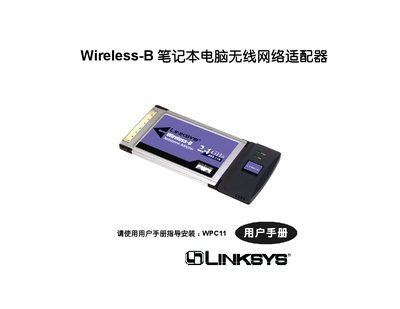
The Linksys WPC11 is an 802.11b wireless notebook adapter designed to allow laptops to connect to wireless networks without cabling. It supports both Infrastructure and Ad-Hoc network modes and features a 11 Mbps data transfer rate with 128-bit WEP security encryption.
The document details the hardware installation, driver setup for various Windows operating systems (including a specific wizard for Windows 98/ME/2000), and configuration steps. It also covers troubleshooting common issues and provides technical specifications such as operating temperature and humidity ranges. This manual is written in Chinese.
| Data Rate | 11 Mbps |
|---|---|
| Wireless Standard | IEEE 802.11b |
| Security | 128-bit WEP |
| Operating Temperature | 0°C to 50°C |
| Storage Temperature | -20°C to 70°C |
The default SSID is 'Linksys' in all lowercase letters.
Run the setup wizard from the installation CD before installing the PC card.