
This is the user manual for the Linksys WRT310N Wireless-N Gigabit Router, which provides wireless network connectivity for home users.
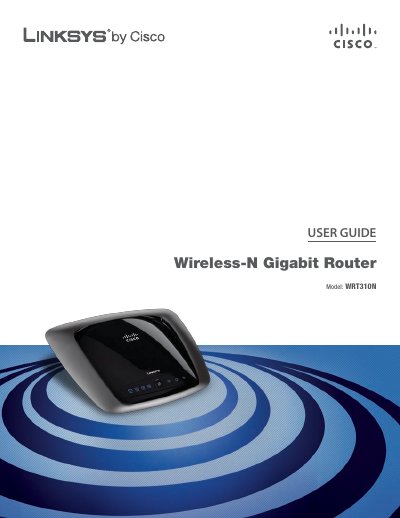
This user guide provides step‑by‑step instructions for installing and configuring the Linksys WRT310N Wireless‑N Gigabit Router. It covers hardware overview, LED indicators, mounting options, and the initial setup wizard.
Later chapters detail wireless security best practices, advanced routing options, ISP connection types, and troubleshooting. Appendices include full technical specifications, regulatory information, and the software license agreement.
| Model | WRT310N |
|---|---|
| Standards | 802.11n, 802.11g, 802.11b, 802.3, 802.3u, 802.3ab |
| Ports | Power, Internet, Ethernet (1‑4), Wi‑Fi Protected Setup |
| Number of Antennas | 3 |
| RF Power (EIRP) | 17 dBm |
| Antenna Gain | Main 1.5 dBi, Third 2.2 dBi |
| Security Features | WEP, WPA, WPA2 |
| Security Key Bits | 128‑Bit |
| Dimensions | 7.95" x 6.3" x 1.34" (202 x 160 x 34 mm) |
| Weight | 13.40 oz (0.38 kg) |
| Power Supply | 12 V |
| Certifications | FCC, CE, IC‑03 |
| Operating Temperature | 32 °F to 104 °F (0 °C to 40 °C) |
| Storage Temperature | -4 °F to 140 °F (-20 °C to 60 °C) |
| Operating Humidity | 10 % to 85 % non‑condensing |
Enter 192.168.1.1 in a web browser’s address field.
Leave the username blank and use the password “admin”.
The Wireless LED lights up when the wireless feature is enabled and flashes during data transmission.