
This document is a user guide for the 2.4 GHz Wireless-G PTZ Internet Camera with Audio Model: WVC200, WVC210. It covers topics such as getting started, planning a wireless network, connecting the camera, upgrading firmware, installing software, and configuring software.
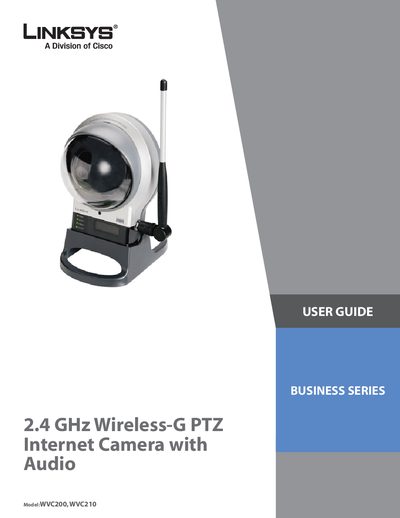
This User Guide explains how to install, configure, and operate the Linksys WVC200/WVC210 PTZ Internet Camera. It covers hardware overview, network planning, firmware upgrades, and software configuration, helping users get the camera up and running quickly.
Key sections include Getting Started, Planning Your Wireless Network (Ad‑Hoc and Infrastructure modes), detailed hardware description, connection options (wired, wireless, wall‑mount, stand), firmware upgrade procedures, and software setup for video streaming, audio, motion detection, and user management.
Use the Find toolbar (open by default) or choose Edit > Find, enter your search terms, and press Enter to locate matches.
The camera works in both Ad‑Hoc and Infrastructure modes, allowing direct device‑to‑device communication or connection through an access point.