
This is a user guide for the Wireless-N Broadband Router model WRT160N
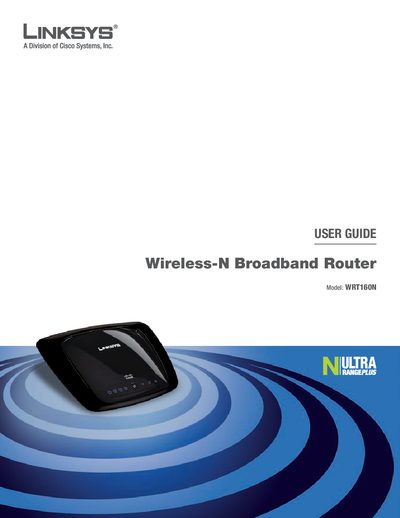
This guide introduces the Linksys WRT160N Wireless‑N Broadband Router, describing its front and back panel LEDs, Ethernet ports, and Wi‑Fi Protected Setup button. It explains how the router connects to the Internet via a wired or wireless connection and outlines the built‑in security features such as WPA2, SPI firewall, and NAT.
The manual walks you through using the web‑based utility for basic setup, advanced configuration, and troubleshooting. It covers configuring the Internet connection type, setting up wireless security, resetting to factory defaults, and accessing status information. Appendices provide specifications, warranty, and regulatory disposal instructions.
| Wireless standard | Wireless‑N |
|---|---|
| Default SSID | linksys |
| Default password | admin |
Press and hold the Reset button for about five seconds, or select Factory Defaults in the Administration tab of the web utility.
The default SSID is "linksys".
It includes WPA2 security, a Stateful Packet Inspection (SPI) firewall, and NAT technology.