
This user guide introduces the Compact Wireless-G USB Adapter and explains how to use it for network configuration.
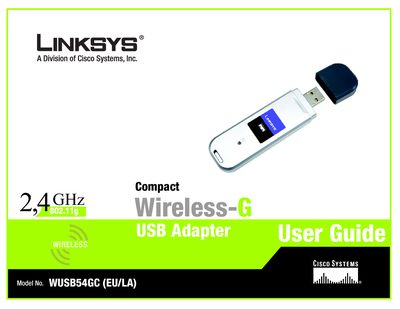
The guide walks you through planning a wireless network, understanding the Compact Wireless‑G USB Adapter, and configuring it with the Setup Wizard. It includes chapters on network topology, LED indicators, and detailed steps for connecting the adapter to a PC.
The adapter operates on the 802.11g standard, providing up to 54 Mbps data rates and up to 256‑bit encryption for secure wireless communication. Additional sections cover the Wireless Network Monitor, security settings, troubleshooting, and regulatory information.
| Wireless Standard | 802.11g |
|---|---|
| Maximum Data Rate | 54 Mbps |
Use the included Setup Wizard on the CD or follow the step‑by‑step instructions in the guide to configure the adapter.
The wireless connection can be protected with up to 256‑bit encryption.
Open the Wireless Network Monitor, which provides status, statistics, and profile management tools.