
The file is about the user guide of Linksys Wireless-G 54M Wireless Card.
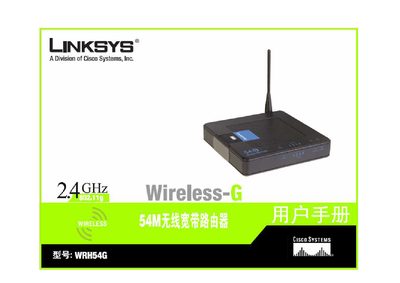
This manual guides users through installing and configuring the Linksys WRH54G wireless‑G router. It covers hardware overview, connecting to power and Ethernet, and initial setup steps for both wired and wireless connections.
Later sections detail advanced network settings such as DHCP, DDNS, VPN, and security options (WPA, WPA2, WEP). A FAQ section answers common questions, and the appendix includes regulatory information and contact details for support.
| Wireless standard | 802.11b/g |
|---|---|
| Maximum data rate | 54 Mbps |
Use the DHCP settings page (section 5‑4) to enable the DHCP server for automatic IP address assignment.