
Key facts
Start here
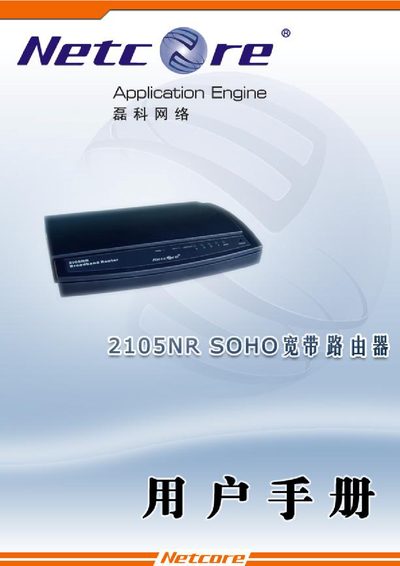
Netcore 2105NR Broadband Router User Manual
This manual covers the basic installation and configuration of the Netcore 2105NR router, including LAN and WAN connections, IP addressing, DHCP client setup, and NAT/DMZ features. It also lists supported network protocols such as CSMA/CD, PPPoE, DHCP, TCP/IP, FTP, DNS, and NTP.
Detailed sections describe LAN port settings, WAN link types (Cable/DSL), default IP address (192.168.1.1), and how to adjust network parameters. The final pages provide physical specifications, safety information, and contact details for technical support.
Netcore 2105NR specifications
| Dimensions | 159mm × 100mm × 28mm |
|---|---|
| Operating temperature | 0 °C to 50 °C |
| Operating humidity | 20 % to 95 % non‑condensing |
All Netcore 2105NR documents by type
Day-to-day operation, settings and troubleshooting. Start here if the product is already set up.
Questions answered in these manuals
What is the default IP address of the Netcore 2105NR router?
The default IP address is 192.168.1.1.
Which network protocols are supported by the router?
It supports CSMA/CD, PPPoE, PPP, IP, ARP, DHCP, TCP, UDP, HTTP, FTP, DNS, NTP, RIP1 and RIP2.
What is the default IP address to access the Netcore 2105NR router?
The default IP address is 192.168.1.1.
Which network protocols are supported by the Netcore 2105NR?
It supports CSMA/CD, PPPoE, PPP, IP, ARP, DHCP, TCP, UDP, HTTP, FTP, DNS, NTP, RIP1 and RIP2.