
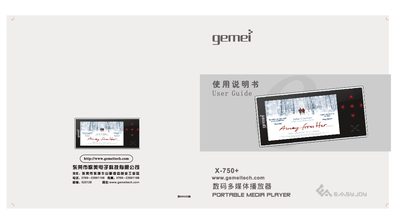
This user guide provides safety precautions, key layout, and step‑by‑step instructions for playing audio, video, radio, recording, e‑books, and connecting to a TV or computer. It also covers firmware upgrades, MiniSD card handling, and power management.
The manual includes a full specification table and a troubleshooting section that helps resolve common issues such as power problems, USB connection errors, and file‑transfer difficulties. This manual is written in Chinese.
| Supported video formats | RM, RMVB, MP4, 3GP, AVI, ASF, MOV, MPE, DAT, FLV, MPEG, MPG |
|---|---|
| Supported audio formats | MP3, WMA, WAV, APE, FLAC, etc. |
| Audio effect modes | 普通, 爵士, 流行, 播滚, 古典, 人声, 高音, 低音, 用户自定义 |
| Playback modes | 循环播放, 顺序播放, 随机播放, 单曲循环, 单曲播放 |
| Recording capability | MP3 compressed recording |
| USB interface | USB 2.0 High Speed |
| Maximum output power | 10 mW × 2 |
Press the [M] key in the music list to refresh the song information and update the library.