
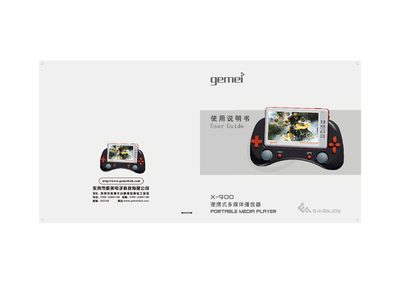
This manual explains how to set up the Gemei X-900, including inserting SD/MMC cards, connecting to a PC via USB, and updating firmware. It covers basic functions such as music, video, photo, FM radio, camera, and game playback, as well as system settings like backlight, screen saver, and battery management.
The guide also contains a troubleshooting section that addresses common issues like missing files, playback errors, power‑off problems, and USB connection failures, plus safety precautions for battery use and environmental conditions. This manual is written in Chinese.
| Supported video formats | AVI, MP4 and other convertible formats |
|---|---|
| Supported audio formats | MP3, WMA (32/44/48 kHz), FLAC |
| Audio effect modes | 8 modes: POP, ROCK, CLASSIC, COMFORT, DANCE, SOFT, SOFTROCK, Custom |
| Playback modes | Single repeat, random repeat, sequential repeat |
| Display | 4.3‑inch Sharp TFT, 16 M colors, 480×272 resolution |
| Maximum output power | 10 mW ×2 |
| Total harmonic distortion | ≈0.3 % |
| FM reception range | 76.5 MHz – 108 MHz |
| Camera resolution | 2 MP (interpolated to 3 MP) |
| Video capture resolution | Maximum 480×272 pixels |
| USB interface | USB 2.0 Full‑speed |
| Supported SD/MMC card size | Up to 4 GB |
| Internal storage options | 128 M, 256 M, 512 M, 1 G, 2 G, 4 G |
The player reads the storage card first; if the card is not inserted or not recognized, files will not be found.
Use the Windows safe‑remove hardware icon before unplugging the USB cable.
WMA files may be protected by DRM, which the player cannot decode.