
The document contains information about the features and characteristics of the product.
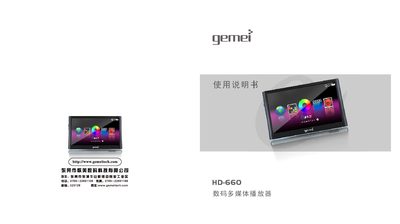
This manual provides safety guidelines, basic operation instructions, and detailed feature descriptions for the Gemei HD660 multimedia player. It includes sections on music playback, video output, digital photo album, FM radio, recording, and system settings.
Additional chapters cover firmware upgrades, TF‑card usage, formatting, and a comprehensive troubleshooting guide with FAQs and product specifications. This manual is written in Chinese.
| Supported Video Formats | RM, RMVB, AVI, FLW |
|---|---|
| Supported Audio Formats | MP3, WMA, APE, FLAC |
| Display | 4.3‑inch, 480×272 pixels, 16 M colors |
| Maximum Output Power | 10 mW |
| USB Interface | USB 2.0 High Speed |
| Battery Charging Time | Approximately 4–5 hours |
Press the [RESET] button on the side of the device to restart it.
Select the ‘Format Player’ option in the menu to erase and re‑format the internal memory.