
The document is about a multi-functional audio player. It supports playback of various audio file formats, has USB interface and SD/MMC card slot, and supports multiple audio input and output methods. The player has built-in speakers and microphone, and supports various audio settings and adjustments. In addition, the player also supports picture browsing and text reading functions.
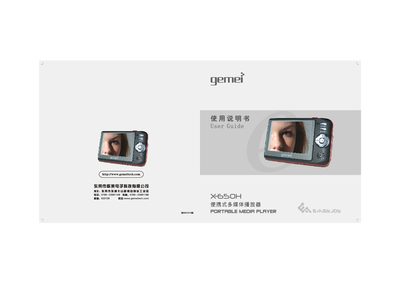
This manual covers safe handling, basic operation, and advanced features of the Gemei X-650H portable multimedia player. It explains how to use the FM radio, camera mode, attachment mode, and how to manage files on internal memory, SD/MMC cards, and USB drives.
The guide also lists supported audio/video formats, explains firmware updates, and provides troubleshooting advice for common issues such as freezing, playback errors, and USB connection problems. This manual is written in Chinese.
| Video format | ASF/MP4 |
|---|---|
| Audio format | MP3, WMA, WAV |
| Screen | 2.5‑inch TFT, 1.6 million colors |
| Internal memory | 128 MB |
| FM frequency range | 87.5 MHz – 108 MHz |
Improper USB connection or formatting can cause the device to freeze; always insert the USB plug in the correct orientation and avoid formatting while the player is in use.
Older WMA files may be protected or corrupted; re‑encode them with a compatible encoder before playback.
Check that the card is a supported SD/MMC type, ensure it is properly inserted, and format it to the device’s required file system before use.