
The document introduces the features and characteristics of a multimedia player called WMA, which supports various audio and video formats and has USB interface and SD/MMC card expansion.
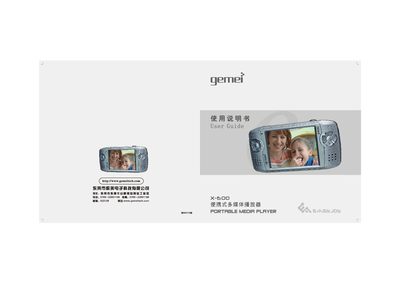
The Gemei X-600 is a portable multimedia player with a 3‑inch 16‑million‑color LCD, supporting audio, video, image, and e‑book playback, as well as recording and gaming functions. It features a 1600 mAh battery that can deliver up to 25 hours of audio playback and 7 hours of video or game use.
The manual covers initial setup, charging, SD/MMC card handling, computer connection and driver installation, video conversion software usage, detailed product specifications, safety precautions, and a comprehensive troubleshooting section to resolve common issues such as power‑on failures, unexpected shutdowns, and USB connection problems. This manual is written in Chinese.
| Audio effect modes | 8 modes (POP, ROCK, CLASSIC, etc.) |
|---|---|
| Playback modes | Single loop, random loop, sequential loop |
| Screen | 3‑inch, 960×240 pixels, 16‑million colors |
| Internal storage capacity | Supports 128 MB‑2 GB |
| Maximum SD/MMC card capacity | 1 GB |