
The document describes the features and characteristics of a product called Gemei, which supports various audio and video formats. It has a USB interface and SD/MMC card slots, as well as FM radio and gaming capabilities.
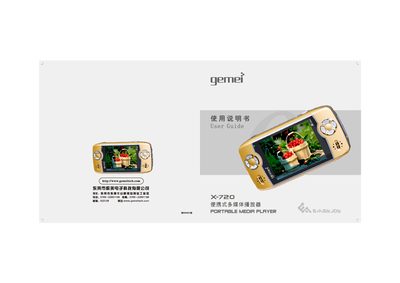
The Gemei X-720 is a portable multimedia player that supports audio, video, photo, FM radio, recording and built‑in games. This guide explains how to use the main functions, manage files, and connect the device to a computer.
It also provides safety instructions, firmware upgrade steps, and detailed troubleshooting for common issues such as USB connection problems, battery charging, and playback errors. This manual is written in Chinese.
| Video format support | MP4 and other video formats (conversion available) |
|---|---|
| Music format support | MP3, WMA (32‑48 kHz), FLAC |
| Audio effect modes | POP, ROCK, CLASSIC, COMFORT, DANCE, SOFT, SOFT ROCK, custom |
| Battery capacity | 1600 mAh, up to 25 h audio or 7 h video/game playback |
| Maximum SD/MMC card capacity | 1 GB |
| PC interface | USB 2.0 Full‑speed |
| Maximum output power | 10 mW × 2 |
| Total harmonic distortion (THD) | ≤3 % |
The computer may not recognize the player because the USB cable is not fully inserted, the driver is missing or the USB port is faulty.
A low battery can cause the player to freeze, and pressing the reset button on the side of the device will restart it.
Click the “Safely Remove Hardware” icon in the Windows notification area, confirm removal, then unplug the USB cable.