
This document introduces how to use Huawei Cloud Vision Service to recognize objects in video, including the names and quantities of objects in the video, as well as the objects' locations.
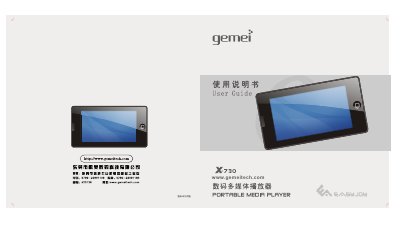
This manual covers safety precautions, the main functions of the Gemei X‑730 MP3 player, and details of each button and menu. It explains how to use audio, video, FM radio, e‑book, picture, game, and flash playback features, as well as how to charge the device and manage files.
Additional sections describe TF‑card handling, USB connection, firmware upgrades, formatting the internal storage, product specifications, and a troubleshooting guide for common issues such as unexpected shutdowns or connection problems. This manual is written in Chinese.
| Screen | 3.0‑inch WQVGA (400×240) TFT |
|---|---|
| Audio formats | MP3, WMA, APE, FLAC |
| Video formats | RMVB, RM, AVI, WMV, FLV, MPEG, DAT, MP4, ASF |
Connect the player to a computer with the supplied USB cable; the USB connection will charge the built‑in lithium battery while allowing data transfer.
Download the firmware upgrade package from the Gemei website, copy the file GM7 30.HXF to the player, disconnect the USB cable, power off the device, then hold the PLAY key to start the upgrade.