
This is a MP3 player that supports MP3, WMA, WAV, APE, OGG, AMV and other formats. It supports USB2.0 interface and has 80dB audio quality. The power is 5mW, and the frequency range is 76MHz-108MHz.
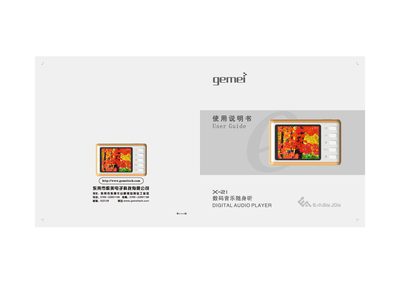
The Gemei X-21 is a portable digital audio player that supports multiple audio formats, video playback, FM radio, and e‑book reading. This guide explains safety precautions, main functions, button operations, and system settings to help users get the most out of the device.
It also provides detailed troubleshooting tips for common issues such as freezing during file transfer, USB connection problems, and playback of protected files, along with instructions for firmware upgrades and accessory usage. This manual is written in Chinese.
| Supported music formats | MP3, WMA, WAV, APE, OGG |
|---|---|
| Equalizer modes | 7 (Natural, Pop, Classic, etc.) |
| Playback modes | 7 (Normal loop, Single loop, Folder play, etc.) |
| Display | 2.0‑inch color screen |
| USB interface | USB 2.0 High‑speed |
| Signal‑to‑noise ratio | >80 dB |
| Frequency response | 20 Hz – 20 kHz |
WMA files may be protected by DRM, which the player does not support; use unprotected files or convert them to a supported format.
Click the USB safe‑remove icon in the Windows notification area, then eject the device before unplugging the cable.