
The document is about Mini Digital Video Cassette HD. The product is a high-definition mini digital video cassette with PAL format and a recording time of 2 hours. It features compact and portable design, as well as high-definition recording.
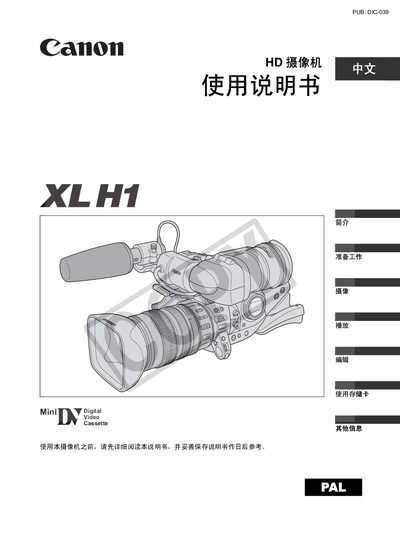
This manual covers safety warnings, preparation steps, and detailed instructions for operating the Canon XL H1 camcorder, including camera setup, recording modes, playback, and editing functions. It also lists optional accessories, specifications, and troubleshooting tips.
The guide explains how to configure time zone, date, and time settings, how to use the built‑in lenses and filters, and how to connect the camcorder to external monitors, TVs, or computers for playback and file transfer. This manual is written in Chinese.
| Lens | 4‑108 mm L IS II zoom lens |
|---|---|
| Power Source | Two AA (R6) batteries |
| Storage Media | SD memory card or MultiMediaCard (MMC) |
Turn the SELECT knob to choose your time zone, then press the SET button; repeat the process for date and time settings.
The camcorder is powered by two AA (R6) batteries.
Use the playback function and connect the camcorder to a monitor or TV via the appropriate video output.