
This document is an instruction manual for a remote control, which mainly introduces the functions and operation methods of the remote control.
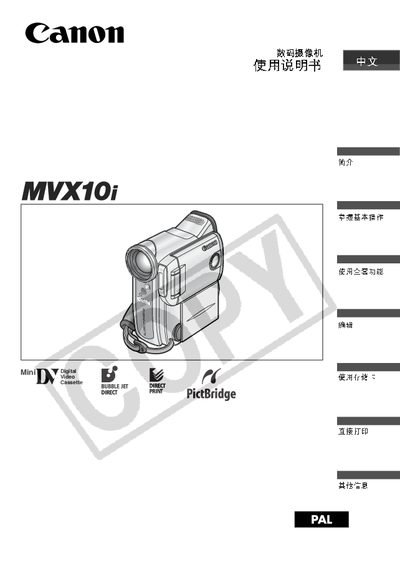
This manual provides step‑by‑step instructions for using the Canon MVX10i camcorder, covering power setup, basic shooting, zoom control, playback, and editing functions. It also describes how to connect the camcorder to a computer via IEEE‑1394 (FireWire) and how to transfer or print images directly.
Additional sections detail the symbols used on the device, safety warnings, storage‑card handling, and troubleshooting tips. The guide includes reference information for the supplied software and accessories, ensuring users can fully utilize the camcorder’s features. This manual is written in Chinese.
| CCD resolution | 3 million pixels |
|---|---|
| Digital zoom | up to 200x |
| Screen aspect ratio | 16:9 widescreen |
| Supported storage media | SD card or MultiMediaCard |
Yes, by connecting the camcorder to a Canon direct‑print photo printer you can print images without a computer.
The camcorder records to SD cards or MultiMediaCards.