
This product is a PAL format DVD recorder from SONY. It uses the Mini Digital Video Cassette 2 tape format. This product has an automatic recording function, which can record TV programs.
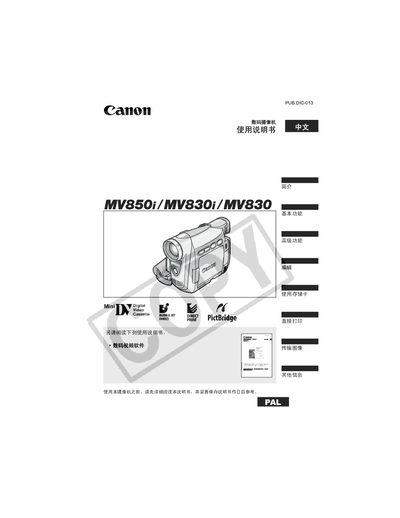
This manual covers the Canon MV850i, MV830i, and MV830 camcorders, guiding users through initial setup, basic recording functions, and advanced features such as night‑mode and digital effects. It also includes safety warnings, battery information, and accessory details.
Key sections describe how to insert and remove tapes and storage cards, adjust the LCD screen, use the wireless remote controller, edit and transfer video, and perform maintenance and troubleshooting. The document ends with an index and specifications summary. This manual is written in Chinese.
| Primary battery type | CR1616 |
|---|---|
| Secondary battery type | CR2025 |
| Power adapter model | CA-570 |
| Wireless remote controller model | NB-2LH |
Before using the camcorder, select the language option in the menu to change the display language.
Insert the storage card into the slot as shown, and remove it by pressing the release button and pulling the card out.
Yes, the camcorder has a direct print function that allows you to print still images using the built‑in print settings.