
This document introduces the differences between CD-R, CD-RW, DVD-R, DVD-RW, Blu-ray discs, usage methods, precautions, etc.
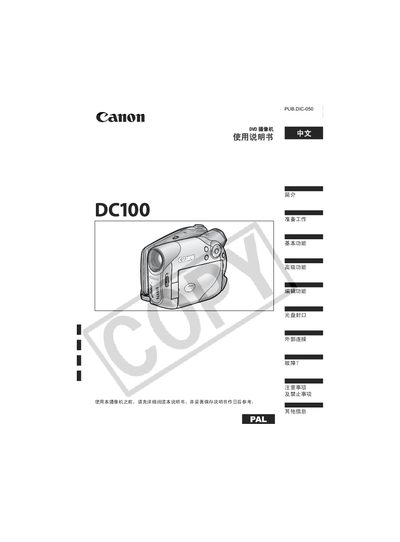
This manual explains how to prepare the DC100 camcorder, insert and initialize DVD discs, and use basic functions such as recording video, still images, and playback. It also covers advanced settings, menu navigation, and external connections to TVs or VCRs.
Additional sections describe disc types and handling, editing features in VR mode, safety warnings, maintenance tips, and a full specifications table for reference. This manual is written in Chinese.
| Supported disc sizes | 8 cm and 12 cm DVD |
|---|---|
| Supported disc types | DVD‑R, DVD‑RW, Mini‑DVD |
| Power adapter model | CA‑570 |
The camcorder works with standard 12 cm DVDs as well as 8 cm Mini‑DVDs, including DVD‑R and DVD‑RW media.
Follow the steps in the "装入和取出光盘" section of the manual to safely load and unload discs.
The "故障排除" (Troubleshooting) section provides common error messages and solutions.