
This document is a user manual, which introduces the basic and advanced functions of the Mini Digital Video Cassette digital camcorder, as well as other information such as using storage cards, editing, direct printing, and image transmission.
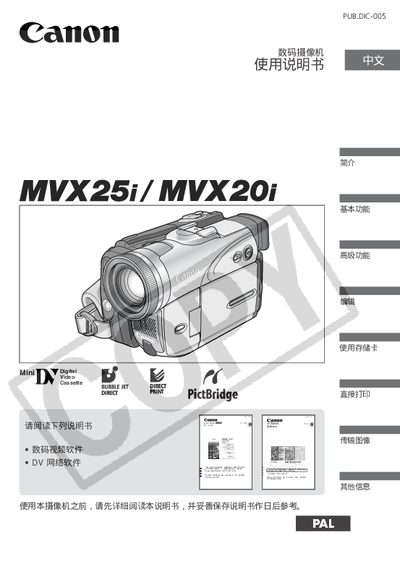
This manual introduces the Canon MVX25i and MVX20i digital video cameras, covering safety precautions, basic operation, and advanced features. It guides users through setup, battery installation, accessory connection, and how to capture, playback, and transfer video.
The document also includes parts identification, accessory lists, troubleshooting tips, and technical specifications such as power source, storage media, and remote control options.
| Power source | 2 AA (R6) batteries |
|---|---|
| Storage media | SDC-8M 5D memory card |
| Wireless remote model | WL-D83 |
Read the instruction manual thoroughly before using the camera.
Unplug the power plug from the outlet.
It uses two AA (R6) batteries.
Use a DV (IEEE1394) connection cable to connect to a computer.