
This file is the instruction manual of PAL-DIC-047 type balance valve
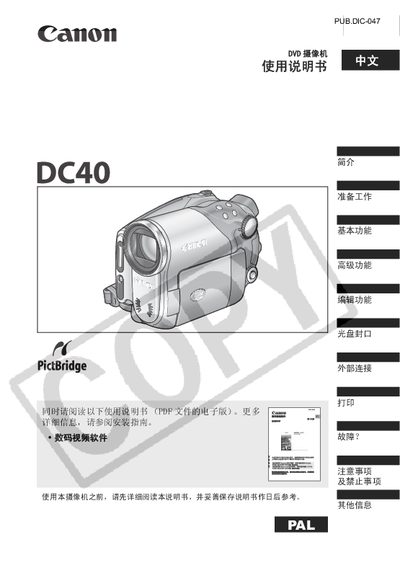
This manual covers the basic and advanced functions of the Canon DC40 DVD camcorder, including recording, playback, editing, and disc sealing. It also explains how to connect the camcorder to external devices such as TVs and computers, and how to print still images.
Safety precautions, troubleshooting tips, and maintenance information are provided to help users avoid electric shock, fire hazards, and damage to the device. The guide includes details on language settings, time zone configuration, and optional accessories. This manual is written in Chinese.
| Supported disc types | 8 cm DYD‑R disc, DVD‑RW disc |
|---|---|
| Recording modes | VIDEO mode, VR mode, YR mode |
| LCD screen aspect ratio | 16:9 widescreen or 4:3 |
| Power adapter model | CA‑570 |
The camcorder works with 8 cm DYD‑R discs or standard DVD‑RW discs.
Before first use, initialize the DVD‑RW disc using the camcorder’s disc‑initialization function.
DVD‑RW discs can be recorded multiple times, while DYD‑R discs can be recorded only once.