
This document is an instruction manual for the Mini Digital Video Cassette digital camcorder. It explains the basic functions, advanced functions, editing, direct printing, and image transfer capabilities of the camcorder.
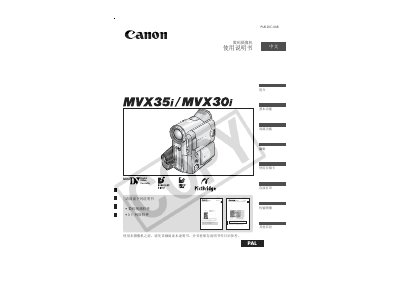
This manual explains how to operate the Canon MVX35i/MVX30i camcorder, covering basic functions, recording, playback, and advanced features. It also includes safety warnings, accessory information, and troubleshooting guidance.
Key sections include language selection, timezone and date settings, tape and memory‑card handling, wireless remote operation, zoom and focus controls, night‑scene mode, and detailed specifications of ports and accessories.
| MultiMediaCard slot | present |
|---|---|
| Network mode | available |
Select the language change option in the menu to switch the on‑screen language.
Use the “Set Timezone, Date and Time” menu items to adjust the camcorder’s clock settings.
Open the tape compartment, insert or pull out the tape, then close the compartment securely.