
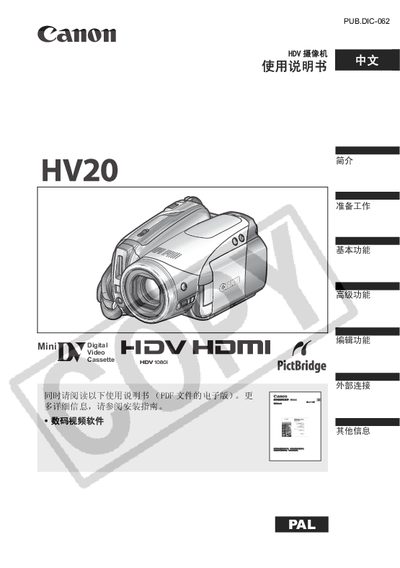
The document introduces a Mini Digital Video Cassette called PUB.DIC-062 PAL, which is small, portable, and digital.
This manual begins with safety warnings, including cautions against opening the case to prevent electric shock and using only the recommended power adapter. It also outlines proper handling, power connection, and environmental restrictions.
The guide then covers basic operation such as charging the battery, inserting tape or memory cards, using the LCD screen, navigating menus, recording video and still images, playback functions, and advanced features like HDV recording, film mode, and external connections to TV, computer, and printer. This manual is written in Chinese.
| Film mode frame rate | 25 fps |
|---|
Do not open the case or back cover and use only the recommended power adapter.
Connect the camcorder to an HDTV; the image will be displayed at original quality or down‑converted to match the TV resolution.