
This manual introduces the installation, use and maintenance methods of DCT700
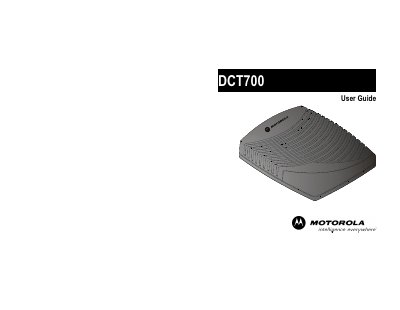
This user guide covers safety warnings, proper grounding, and handling instructions for the Motorola DCT700 cable TV device. It emphasizes the need for qualified service personnel, proper ventilation, and protection against electric shock and lightning.
The manual also details basic operation, remote‑control usage, battery installation, audio/video connections, and troubleshooting steps such as power issues and remote‑control problems.
Reconnect the power cord and be sure the DCT700 is plugged into an outlet that is always live.
Press CABLE on the remote to select cable mode, replace the batteries, and ensure nothing blocks the line of sight between the remote and the DCT700.