
This instruction manual provides detailed instructions on how to use DCH3416, including safety precautions, product specifications, installation instructions, operation instructions, maintenance and maintenance.
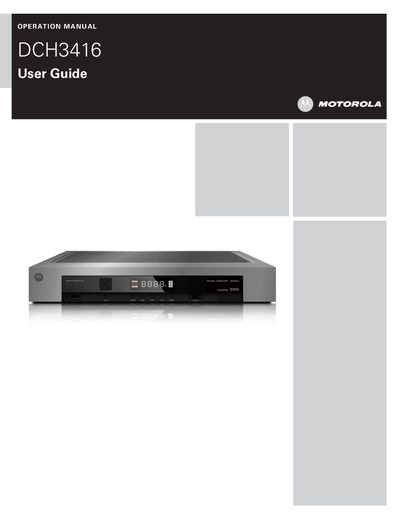
This operation manual explains how to safely install, set up, and use the Motorola DCH3416 digital cable receiver. It covers important safety considerations, ventilation requirements, power‑up procedures, and how to connect video and audio sources.
The guide also details the built‑in digital video recorder features, on‑screen graphics, user settings for high‑definition TV, and a troubleshooting section that helps resolve common picture or audio issues.
| Ventilation clearance | 2 inch space around the unit |
|---|---|
| Maximum ambient temperature | 40 °C (104 °F) |
| FCC classification | Class B digital device |
| Hard‑drive spin‑down wait time | At least 10 seconds after power is removed |
Try re‑orienting or relocating the antenna, increase the distance between the receiver and the TV, or plug the receiver into a different circuit.
The unit contains an internal fan and hard‑drive; the humming is normal and varies as the fan speed changes with temperature.
Wait at least 10 seconds after disconnecting power to allow the hard‑drive to spin down and park its heads.