
This user manual introduces the features, appearance, installation, and operation of CPEi 885.
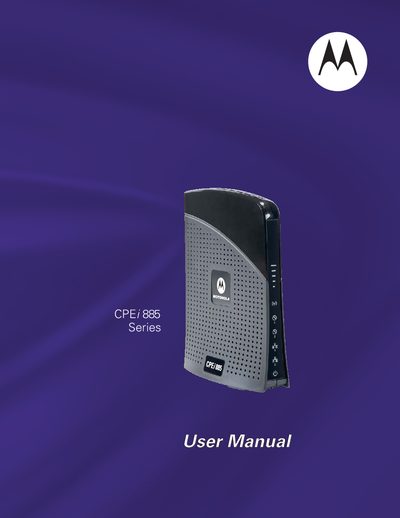
The Motorola CPEi 885 is a desktop WiMAX gateway that enables broadband Internet access and Voice over IP (VoIP) calls. It features plug‑and‑play installation, Wi‑Fi connectivity, and two RJ‑11 ports for VoIP.
This manual covers installation, basic and advanced configuration, TCP/IP setup for Windows, LED status indicators, safety and legal information, and troubleshooting steps such as resetting the device and resolving connectivity issues.
| Operating temperature | 0‑40 °C (32‑104 °F) |
|---|---|
| VoIP ports | 2 RJ‑11 ports |
Press the hardware reset button on the back of the unit, using a paperclip if needed.
The Wi‑Fi LED is on when Wi‑Fi is enabled; it turns off when Wi‑Fi is disabled.
The device operates between 0 °C and 40 °C (32 °F to 104 °F).