
This manual introduces the basic use of DCH6416 products, including: product function introduction, installation and use, troubleshooting and other content
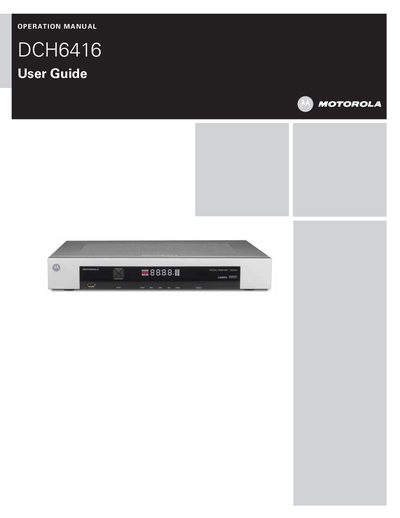
This manual explains how to safely install, set up, and operate the Motorola DCH6416 digital cable receiver. It includes important safety warnings, FCC compliance information, and software licensing terms.
The guide covers front and rear panel descriptions, power‑on procedures, channel selection, volume control, DVR features, video and audio connections (HDMI, component, IEEE‑1394, etc.), user settings for picture and audio, and a detailed troubleshooting section for common power, audio, video, and display issues.
Verify that the AC power cord is connected, use an unswitched outlet, and press the POWER button on the front panel; also check the remote’s batteries and mode.
Wait at least 10 seconds after disconnecting power to allow the hard‑drive to spin down and park its heads before moving the unit.