
This manual introduces the user of DCH100 standard-definition all-digital cable receiver
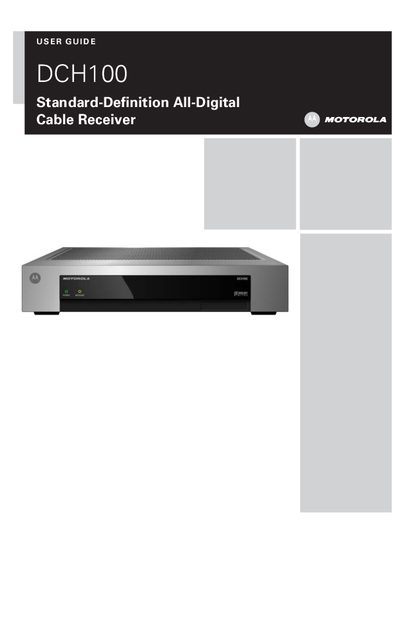
This guide covers important safety instructions, proper installation, and transportation guidelines for the DCH100 cable receiver. It explains how to avoid water exposure, keep ventilation clear, and install the unit away from heat sources.
The manual also includes FCC and Canadian IC compliance information, a software license agreement, and a troubleshooting section that addresses common picture issues such as black bars on the screen.
| Device Class | Class B digital device |
|---|---|
| Maximum Ambient Temperature | 40 °C (104 °F) |
The black bars are caused by the broadcast format; you can minimize them by activating the zoom feature on your TV.
No, the receiver must be installed away from radiators, heat registers, stoves, or any source that could raise the surrounding air above 40 °C.