
This document is an instruction manual for a product, providing warnings and safety tips. The product features protection against electric shock, fire, rain or moisture exposure, and blade exposure.
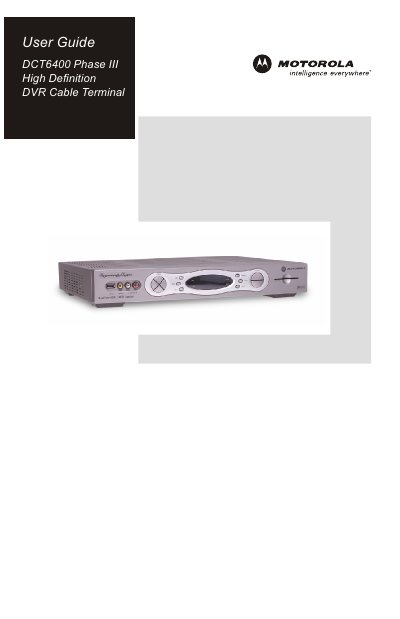
This guide introduces the Motorola DCT6400 Phase III high‑definition DVR cable terminal and explains its main features, including dual‑tuner DVR, HDMI/IEEE‑1394 interfaces, and built‑in hard‑drive recording. It also outlines safety precautions and regulatory information required for proper installation.
The manual covers connecting the unit to TVs, A/V receivers, and stereo equipment, configuring video and audio outputs, using the interactive program guide, and troubleshooting common issues such as missing video, black‑bar display problems, and humming noises from the internal fan.
| Hard‑drive capacity (DCT6412) | 120 GB |
|---|---|
| Hard‑drive capacity (DCT6416) | 160 GB |
| Integrated fan for cooling | Yes |
Verify that the TV is powered on and set to the correct input, ensure the DCT6400 is powered on and tuned to an authorized channel, and check that all video cables are firmly connected.
Enable the 4:3 OVERRIDE feature in the User Settings menu (or set the TV type to 16:9) to stretch or zoom the video and fill the screen.
The unit contains an internal fan and hard‑drive that operate at low speed, producing a humming sound similar to a personal computer.