
User Manual for CPEi 890 Series, describing the features and usage of the product.
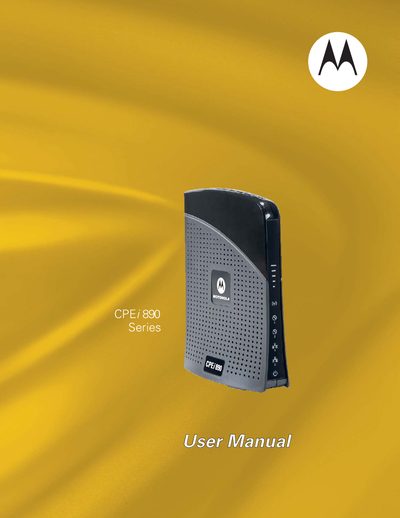
The Motorola CPEi 890 is a desktop WiMAX CPE that offers plug‑and‑play connectivity, VoIP support with two RJ‑11 ports, and Wi‑Fi networking. The manual describes the device’s front and back panels, LED status indicators, and basic features such as DHCP, firewall, and port forwarding.
Installation steps cover unpacking, connecting power, Ethernet, and optional phone lines, followed by configuration of basic and advanced settings, troubleshooting tips, and safety and regulatory information.
| Operating temperature | 0‑40°C (32‑104°F) |
|---|---|
| Power connector | DC Power Connector |
| Ethernet ports | 2 (Ports 1 and 2) |
| RJ‑11 ports | 2 (for VoIP) |
Press the hardware Reset button on the back of the unit, using a paperclip if needed.
The device operates from 0 °C to 40 °C (32 °F to 104 °F).