
This manual describes the features and functions of the Symbol LS1203 product.
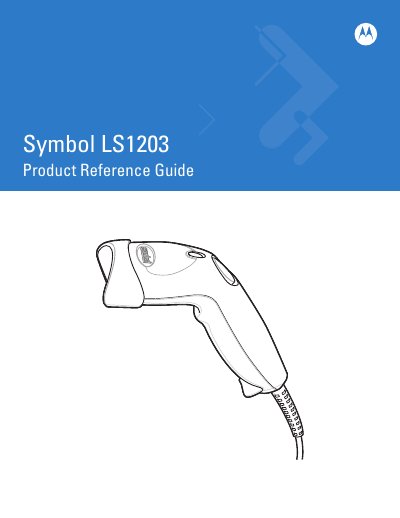
This guide walks users through unpacking, setting up, and configuring the LS1203 scanner, including assembling the optional hands‑free stand and connecting power if required. It also covers basic scanning operations, beeper and LED definitions, and how to select scan modes.
Additional chapters detail maintenance procedures, technical specifications, user‑adjustable preferences, and how to use the keyboard wedge and RS‑232 interfaces for data integration with host systems.
Unpack the scanner, connect the interface cable, and follow the setup steps in Chapter 1, "Getting Started".
Follow the instructions in Chapter 1 under "Assembling the Hands Free Stand" to attach the stand to the scanner.
Refer to Chapter 6, "Connecting an RS‑232 Interface," for wiring and configuration details.