
This document is a product reference guide for the AP-5131 Access Point. It describes the features and characteristics of the product.
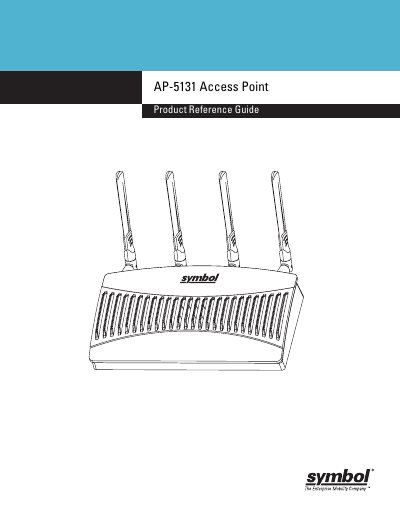
This guide covers the Symbol AP-5131 Access Point, including its feature overview, radio options, and physical installation. It describes single or dual mode radio options, separate LAN and WAN ports, multiple mounting options, and antenna support for 2.4 GHz and 5.2 GHz radios.
The document also explains system and network configuration, security settings such as WEP, WPA, and WPA2, monitoring statistics, and command line interface commands for managing the access point.
| Configurable WLANs | 16 |
|---|---|
| BSSIDs per radio | 4 |
| Maximum data transmission rate | 54Mbps (802.11a radio) |
The AP-5131 is capable of a maximum 54Mbps data transmission rate using the 802.11a radio.
It supports WEP, KeyGuard, WPA using TKIP, and WPA2-CCMP (802.11i) encryption.
The access point supports desk mounted, wall mounted, suspended ceiling T-bar, and above the ceiling plenum installations.
Yes, Power-over-Ethernet support is included as a feature of the AP-5131.