
Konica Minolta magicolor 2530 DL Installation Guide

This document provides basic information about the magicolor ® 2530 DL printer, including dimensions, power requirements, and paper specifications.
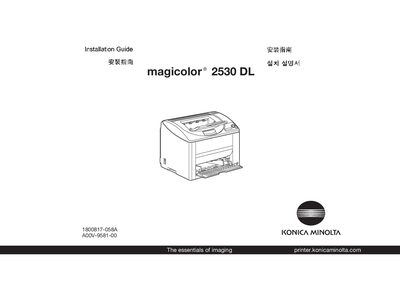

Konica Minolta magicolor 2530 DL Installation Guide - cover page
Brand
Konica Minolta
Category
Printer
Document type
Installation Guide
Language
English
Pages
9
File format
PDF
File size
1.1 MB
Published
16 March, 2012
Updated
28 September, 2023
MD5 checksum
5A787E0844948281CC33532E122B5F94

About this manual

The guide begins with safety instructions and required space dimensions for the magicolor 2530 DL, then details power specifications for both 110 V and 220‑240 V models. It explains how to connect the printer to a network via Ethernet and how to use the supplied Utilities & Documentation CD-ROM.

Later sections describe the proper time to connect the USB cable, provide troubleshooting tips, and outline consumable replacement procedures. The manual ends with a note that it was printed with soy ink.

What's inside

  • Safety Information
  • Required Space
  • Power Specifications
  • Ethernet Connection
  • Utilities & Documentation CD-ROM
  • USB Connection Instructions
  • Working with the Printer
  • Troubleshooting
  • Replacing Consumables
Download PDF (1.1 MB)

More Konica Minolta Manuals


View all Konica Minolta manuals →