
Introduces the features and usage methods of the magicolor 2400W printer
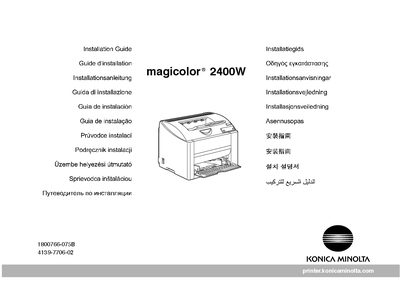
This document provides the installation procedures for the Konica Minolta magicolor 2400W printer. It begins with safety information and advises users to retain all packing materials for future transport or relocation.
The guide then walks through driver installation from the supplied Utilities & Documentation CD, driver configuration for various Windows versions, and how to open the Status Display utility. Additional notes point to the full User Guide for detailed maintenance, consumable replacement, and troubleshooting.
| Maximum paper capacity | 200 sheets |
|---|---|
| Power supply | 110 V |
| Supported paper weight | 60‑90 g/m² (16‑24 lb) |
Unless otherwise requested, keep all packing materials in case you ever need to move or ship the printer.