
This is a user manual for Konica Minolta MagicColor 4650
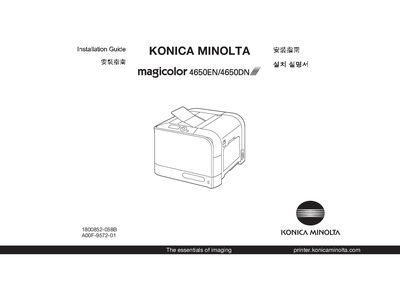
This guide provides the steps needed to install the Konica Minolta magicolor 4650EN/4650DN printer. Before starting, review the safety information and ensure the required floor space of about 913 mm width, 244 mm depth and 100 mm height is available.
The printer can be connected via Ethernet, Parallel, or USB cable (cables not included). After connecting, install the printer driver from the supplied CD‑ROM; note that the PostScript driver may need manual selection on Windows Vista when using a USB connection. The guide also includes basic troubleshooting and consumable replacement instructions. This manual is written in Chinese.
| Maximum paper capacity | 250 sheets |
|---|---|
| Supported paper weight | 60‑90 gm² (16‑24 lb) |
| Power supply (120 V) | 50/60 Hz |
| Width | 913 mm |
| Height | 100 mm |
Connect an Ethernet cable, a Parallel cable, or a USB cable as shown in the guide; the cables are not included in the shipment.
Select the USB port in the "Add a printer" wizard to install the driver manually.
The printer needs roughly 913 mm width, 244 mm depth and 100 mm height of clear space.