
This document is the instruction manual for DVD616K DVD player
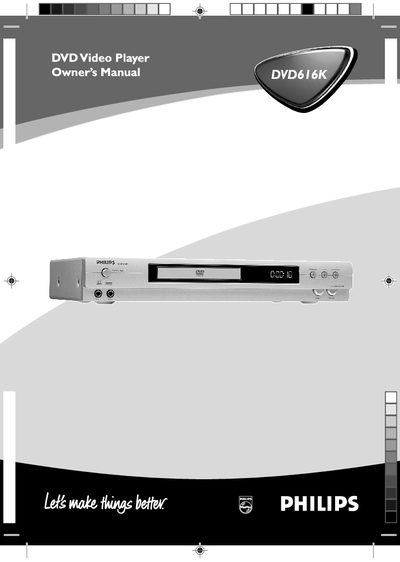
This manual explains how to install, operate, and maintain the Philips DVD616K DVD player. It covers safety warnings, connection diagrams, remote‑control functions, and menu navigation for DVD, VCD, SVCD, and audio playback.
The guide also includes detailed specifications, laser safety information, region‑code handling, and troubleshooting steps to resolve common issues such as no power, picture problems, or audio errors.
| Laser type | Semiconductor laser GaAlAs |
|---|---|
| Laser wavelength | 650 nm (DVD) / 780 nm (VCD/CD) |
| Laser output power | 7 mW (DVD) / 10 mW (VCD/CD) |
| Dimensions (W×D×H) | 435 mm × 235 mm × 71 mm |
| Weight | Approximately 2.5 kg |
| Audio format support | Digital MPEG, AC‑3, DTS, PCM |
The player will display a region‑code notice and will not play the disc.
Unplug the AC power cord, wait a moment, then plug it back in to reset the unit.
It uses a semiconductor GaAlAs laser.
Use the appropriate video output (CVBS, S‑Video, or component Y/C/B/CR) that matches your TV’s input.