
DCR-TRV140 / CCD-TRV107/TRV108/TRV308/TRV408/TRV608 instruction manual. This camera is loaded with advanced features and is very easy to use.
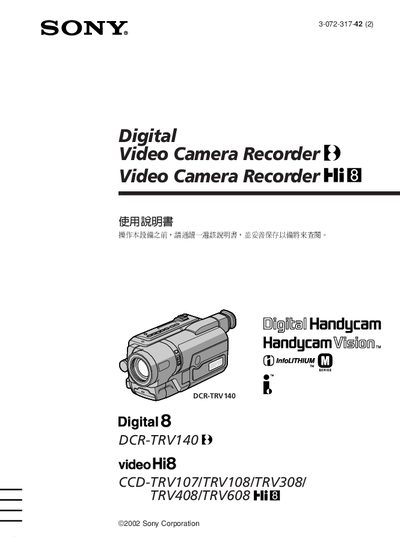
This manual provides the essential information for operating Sony DCR‑TRV140 and the CCD‑TRV107/108/308/408/608 camcorder series. It explains safety precautions, required accessories, and basic handling before you start recording.
The guide is organized into quick‑start instructions, detailed operating procedures (photography, playback, special effects), connection methods (AC adapter, USB, battery), and a troubleshooting section that lists common fault types and their remedies. This manual is written in Chinese.
| Battery type | NP‑FM30 rechargeable battery |
|---|---|
| AC adapter models | AcC‑L10A/L10B/L10C |
| USB interface | USB streaming (Windows only) |
Select the “认定日期和时间” option in the menu as described in step 2 of the quick‑start guide.
Press the EJECT button on the camcorder; the tape compartment will open automatically.
Attach the supplied AC power adapter (AcC‑L10A/L10B/L10C) to the camcorder’s power input and plug it into a standard outlet.