
This document is an instruction manual for the Sony Handycam video camera, describing its features and characteristics. The camera has various functions such as shooting activity images, playback, adjusting exposure, adding image effects, making the footage more natural, and editing. Prior to use, it is necessary to prepare the power supply, set the date and time, and load the video tape. Camera operations include shooting images, shooting against backlight, shooting in the dark, and adding date and time. Playback operations include playing video tapes and viewing images on a TV. In addition, advanced camera operations, editing functions, and how to change menu settings are also explained.
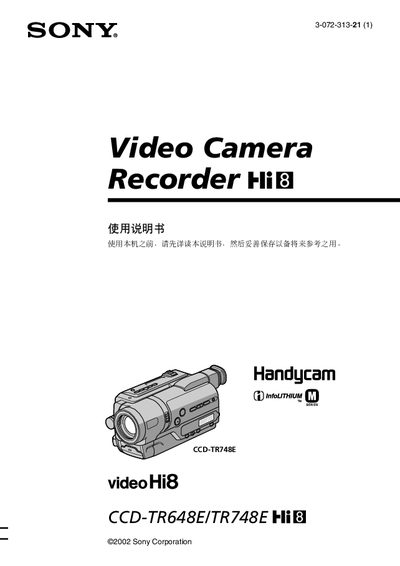
This manual covers safety warnings, the list of supplied accessories, and step‑by‑step instructions for powering the camcorder, installing the rechargeable NP‑FM30 battery, and loading a video cassette. Basic shooting functions such as image capture, back‑light, night mode, and digital zoom are explained, along with how to set the date and time before recording.
Advanced features include widescreen display, programmable exposure (PROGRAM AE), manual focus, title overlay, and the built‑in recording lamp. The guide also details menu customization, copying tapes, and a troubleshooting section that lists common fault types and corrective actions. This manual is written in Chinese.
| Digital Zoom | 450× (CCD‑TR648E) / 560× (CCD‑TR748E) |
|---|---|
| Battery | NP‑FM30 rechargeable battery |
| Power Adapter | AC‑L10A / AC‑L10B / AC‑L10C AC adapter |
Insert the NP‑FM30 rechargeable battery into the battery compartment as shown on pages 10‑11 of the manual.
Use the steps in the manual: go to Step 2 – set the date and time before recording.
Select the desired digital‑zoom multiplier in the menu under D ZOOM to exceed 20×.